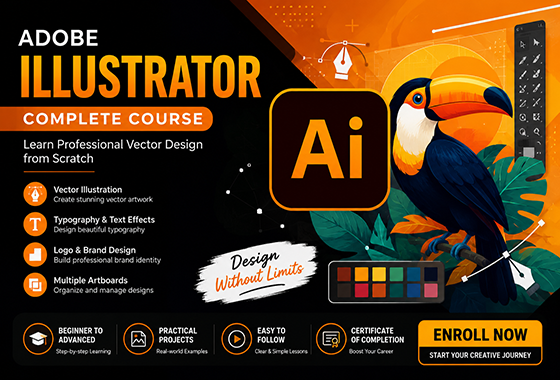
Descripción general
Introduction to Adobe Illustrator
Adobe Illustrator is a professional vector graphics design software developed by Adobe Inc. It is widely used by graphic designers, illustrators, artists, and creative professionals to create scalable artwork for print, web, mobile applications, and digital media. Unlike raster-based image editors, Illustrator uses vector graphics, which are created using mathematical paths and can be resized without losing quality.
Since its introduction in 1987, Adobe Illustrator has become an industry-standard tool for designing logos, icons, illustrations, typography, infographics, packaging designs, and marketing materials. Its powerful drawing tools, precision controls, and extensive creative features allow users to produce high-quality artwork with exceptional accuracy.
Adobe Illustrator provides a wide range of tools for creating and editing shapes, paths, colors, gradients, and text. The software also supports advanced features such as layers, artboards, pattern creation, vector tracing, and integration with other Adobe Creative Cloud applications. Designers can efficiently manage complex projects while maintaining flexibility and creative freedom.
Key features of Adobe Illustrator include:
- Vector-based graphic design
- Logo and brand identity creation
- Advanced drawing and pen tools
- Typography and text effects
- Multiple artboards for project organization
- Shape building and path editing
- Color management and gradients
- Image tracing and vectorization
- Integration with Adobe Creative Cloud
- Export options for print and digital media
Today, Adobe Illustrator is one of the most trusted and widely used graphic design applications in the world. Its powerful vector design capabilities make it an essential tool for creating professional-quality artwork that remains sharp and clear at any size.
Contenido del curso
-
Get Started in 10 Minutes
-
How to Use the Pen Tool in Adobe Illustrator
-
Illustrator Shortcuts